Compatible navigation SD cards for GMC Models (2014-2023)
Top Pick
ORIRI·X 2025 Navigation SD Card for GM (Part 85856394)
2025 maps. Fits Chevrolet, Cadillac, Buick, GMC. Plug and play. GMC Models owners get 2025 maps covering USA, Canada, Mexico.
GMC Models Navigation SD Card Requirements
-
Compatible Years: 2014-2023
-
Part Number: Two main part numbers are used across GMC models: 85713512 (IntelliLink IO5/IO6) and 85856394 (newer IntelliLink IO8 systems). Check the label on your existing card.
-
Trim Compatibility: Verify the part number on your existing card is critical for GMC models. Compatible with IntelliLink navigation systems (IO5, IO6, IO8) only. Not for base radio systems.
Navigation SD Cards for GMC Models
This website contains affiliate links. We may earn a small commission when you purchase through our links at no extra cost to you.
| SD Card | Map Year | Coverage | Pros | Price |
|---|---|---|---|---|
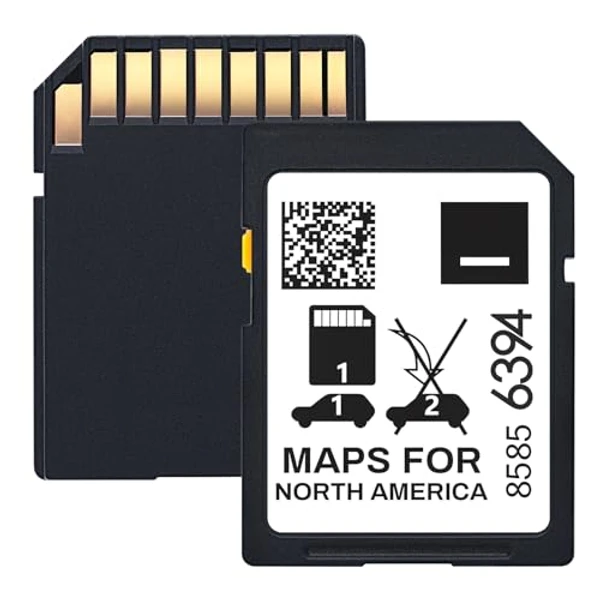
ORIRI·X 2025 Navigation SD Card for GM (Part 85856394)
|
2025 | USA, Canada, Mexico |
|
$
Check Price
Alt Listing |
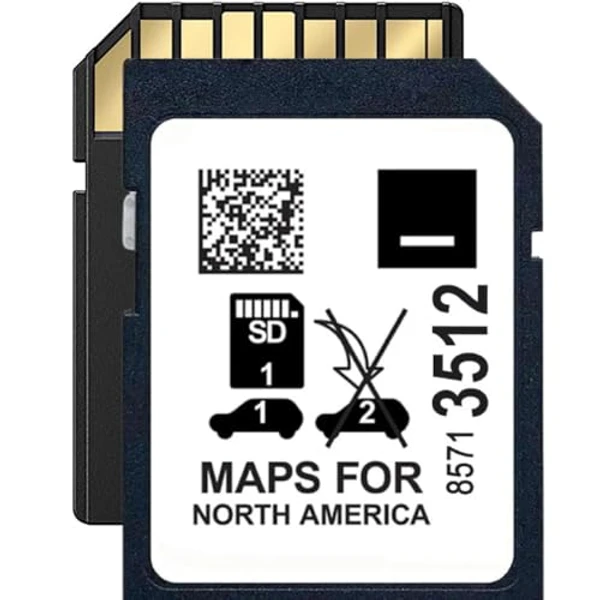
Premium 2025 GM Navigation SD Card (Part 85713512, 10yr Warranty)
|
2025 | USA, Canada, Mexico |
|
$$
Check Price
Alt Listing |
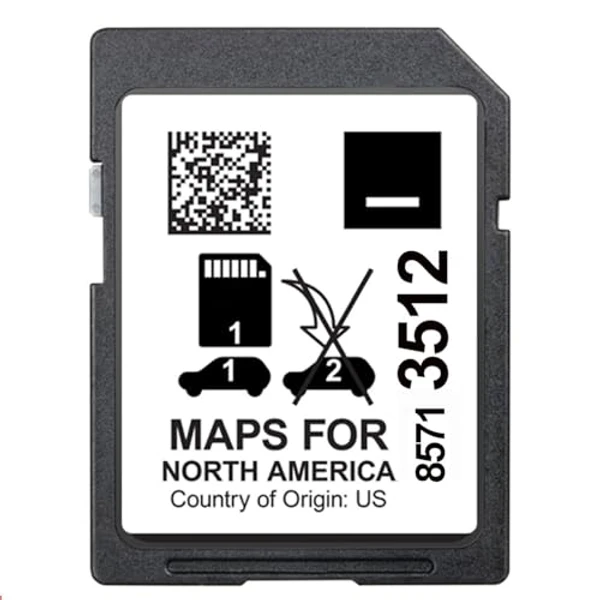
2024 GPS Navigation SD Card for GM (Part 85713512)
|
2024 | USA, Canada, Mexico |
|
$ Check Price |
Installation Guide for Your GMC Models
1. Turn off vehicle and remove key. 2. Locate SD slot, typically found inside the center console armrest storage compartment. 3. Press existing card to eject. 4. Insert new card firmly with contacts facing down until it clicks. 5. Start vehicle - the IntelliLink system will auto-detect and begin loading new maps in 1-2 minutes.
Important: GMC Models Compatibility
Verify the part number on your existing card is critical for GMC models. Compatible with IntelliLink navigation systems (IO5, IO6, IO8) only. Not for base radio systems.
GMC Models Features
Common Issues
- Denali trims are assumed to always include navigation, but some early Denali packages bundled the premium stereo without the embedded IntelliLink navigation option
- Owners sometimes struggle to identify the correct SD slot among the other media ports (USB, aux) crowded into the same center console bay
- Trailering and towing packages on Sierra and Canyon can reposition the SD slot behind a different trim panel than on the equivalent non-towing configuration