
Best SD Cards For GoPro Hero Max
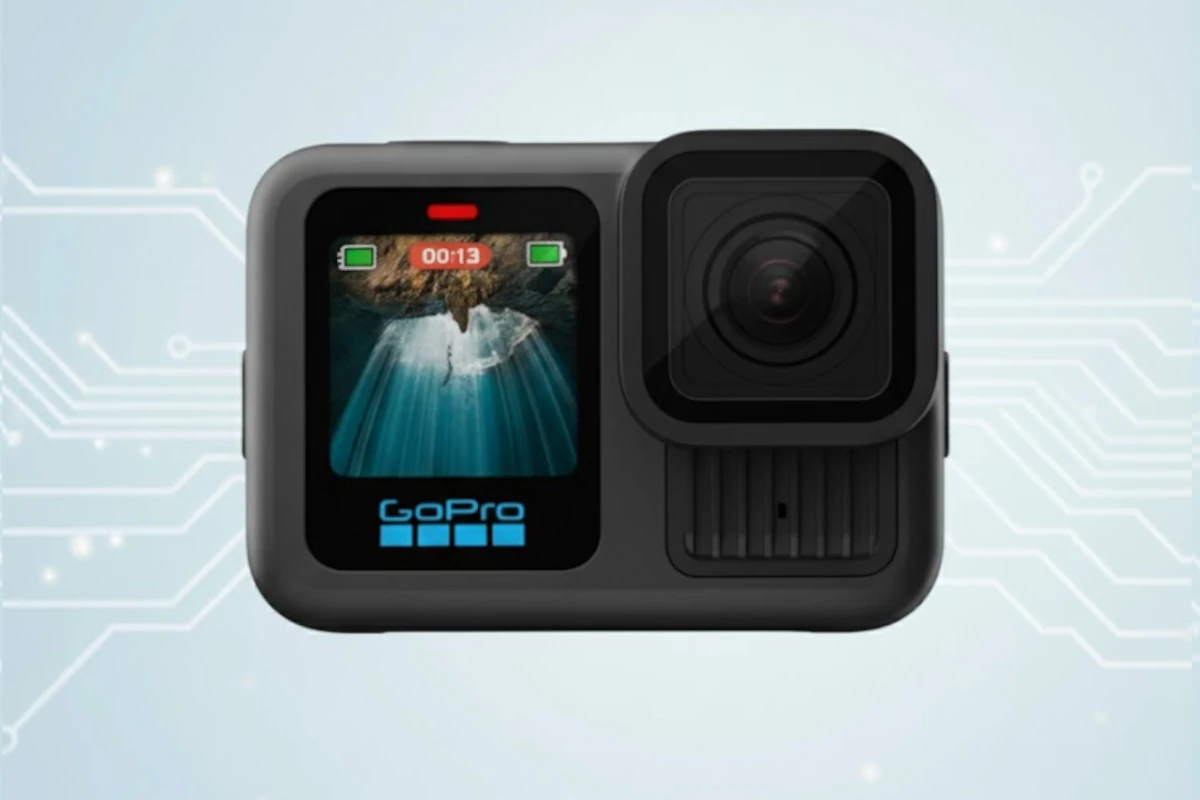
Expert recommendations based on Insta360 ONE X3 specifications
Recommended Spec
microSD UHS-I (V30 or faster)
With V30 microSD cards, you'll enjoy seamless 360° video recording, capturing life's most incredible moments without any interruptions or lost footage. You can confidently shoot all day, every day, knowing your Insta360 ONE X3 has the storage it needs.
Contains affiliate link
#1 Top Pick for Insta360 ONE X3
View Top Recommendation
Check Price
Official Insta360 ONE X3 SD Card Requirements
-
Format: microSD UHS-I
-
Minimum Speed: V30 (30 MB/s write)
-
Maximum Capacity: Up to 1TB
Why these requirements? Insta360 specifies UHS-I microSD cards with a V30 or higher speed class and exFAT formatting for the X-series 360 cameras, including the X3. The camera records 5.7K 360° video, which creates a continuous high-bitrate data stream from both lenses. V30-class cards guarantee sustained 30 MB/s writes, preventing recording from stopping or corrupting clips. Official guidance also caps supported capacities at 1TB, which is ample for long shooting days, even in the highest quality modes.
Detailed Specifications
Type
microSD UHS-I
Min Speed Class
V30
Write Speed
30 MB/s
Recommended Size
128GB, 256GB, 512GB
Max Capacity
1TB
Top SD Card Recommendations
This website contains affiliate links. We may earn a small commission when you purchase through our links at no extra cost to you.
| SD Card | Verified | Speed Class | Write Speed | Pros | Price |
|---|---|---|---|---|---|
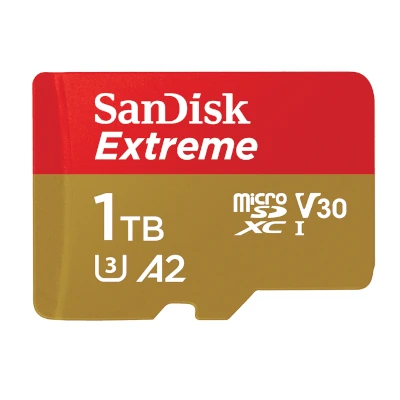
SanDisk Extreme microSD
|
V30 | Up to 130 MB/s |
|
$ Check Price | |
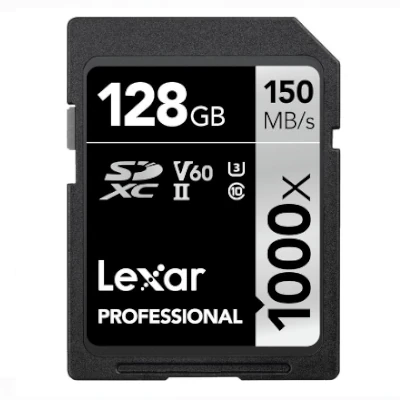
Lexar Professional Gold (1800x)
|
V60 | Up to 180 MB/s |
|
$$ Check Price | |
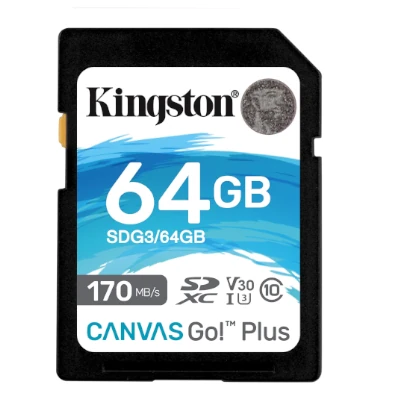
Kingston Canvas Go! Plus
|
V30 | Up to 90 MB/s |
|
$ Check Price |
Featured Products on Amazon
This website contains affiliate links. We may earn a small commission when you purchase through our links at no extra cost to you.

Kingston Canvas Go Plus 128GB microSD Card | Up to 200MB/s | Class 10, UHS-I, U3, V30, A2 | SDCG4/128GB
$Check Price
View on Amazon
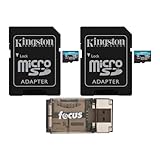
Kingston 128GB MicroSDXC Canvas Go Plus Memory Card (2-Pack) Bundle with All-in-One High Speed USB 2.0 Card Reader Compatible with Mac and PC Systems (3 Items)
$Check Price
View on Amazon

Kingston 128GB Canvas Go Plus microSDXC Card | Up to 170MB/s | UHS-I, C10, U3, V30, A2/A1 | with Adapter | SDCG3/128GB
$Check Price
View on Amazon
Frequently Asked Questions
What SD Card Do I Need for Insta360 ONE X3?
The Insta360 ONE X3 requires a microSD UHS-I card with V30 speed rating for reliable performance. We recommend 512GB capacity as the sweet spot balancing storage capacity with affordability. The device supports up to 1TB, though most users find 512GB sufficient for daily use. Always choose from trusted brands like SanDisk, Lexar, or Kingston to ensure consistent performance and avoid data loss.
Does the Insta360 ONE X3 support 1TB microSD cards?
Yes. Insta360 lists 1TB as the maximum supported capacity for the X-series cameras, and their own branded A2/V30 cards are sold in sizes up to 1TB specifically for use in models like the ONE X3.
Can I use UHS-II microSD cards in the ONE X3?
They are not recommended. The camera is designed for UHS-I V30 cards, and Insta360 explicitly warns that UHS-II and UHS-III microSD cards may be incompatible or cause recording failures. Even when they do work, they will fall back to UHS-I speeds, so there is no performance gain.
Will a generic V10 or U1 card work in the ONE X3?
It may work for low-resolution modes, but it is unsafe for 5.7K 360° recording. V10/U1 cards are not guaranteed to sustain the write speeds required for high-resolution 360 capture and can cause dropped frames or aborted recordings. For reliable use, always choose a name-brand V30 card.
Is V30 required for Insta360 ONE X3?
Yes, V30 is recommended for Insta360 ONE X3. It guarantees a minimum sustained write speed of 30 MB/s, which is necessary for stable recording without dropped frames or errors.
What storage capacity should I get for Insta360 ONE X3?
We recommend 128GB or 256GB or 512GB cards. A 128GB card is good for typical use, with 1TB as the maximum supported capacity. Larger sizes are useful if you shoot frequently and want to minimize card swaps.
Can I use older or slower cards with Insta360 ONE X3?
Not recommended. Cards slower than V30 may cause dropped frames, corrupted files, or recording failures. Always use V30 minimum for reliability.
Do I need a UHS card for Insta360 ONE X3?
UHS cards are recommended for best performance with Insta360 ONE X3. Non-UHS cards will work but may have slower transfer speeds. For this device, UHS-II is optimal.
Should I use more than one card with Insta360 ONE X3?
For professional use or extended shooting sessions, dual cards provide redundancy and backup. Using multiple cards ensures you won't lose footage if one card fails. This is especially important for valuable recordings.
Does the brand matter for Insta360 ONE X3?
Yes, trusted brands like SanDisk, Lexar, and Kingston are recommended. Quality brands have better reliability and warranty support. Avoid unknown brands, especially for demanding devices.
What happens if I use the wrong card with Insta360 ONE X3?
Using cards slower than V30 can cause: dropped frames during recording, corrupted files, or complete recording failure. Stick to V30 minimum to avoid data loss.
How long will an SD card last with Insta360 ONE X3?
Quality SD cards typically last 3-5 years with normal use. Replace your card if you experience read/write errors, corrupted files, or if it's been dropped or exposed to extreme conditions.