
Best SD Cards For Raspberry Pi 5
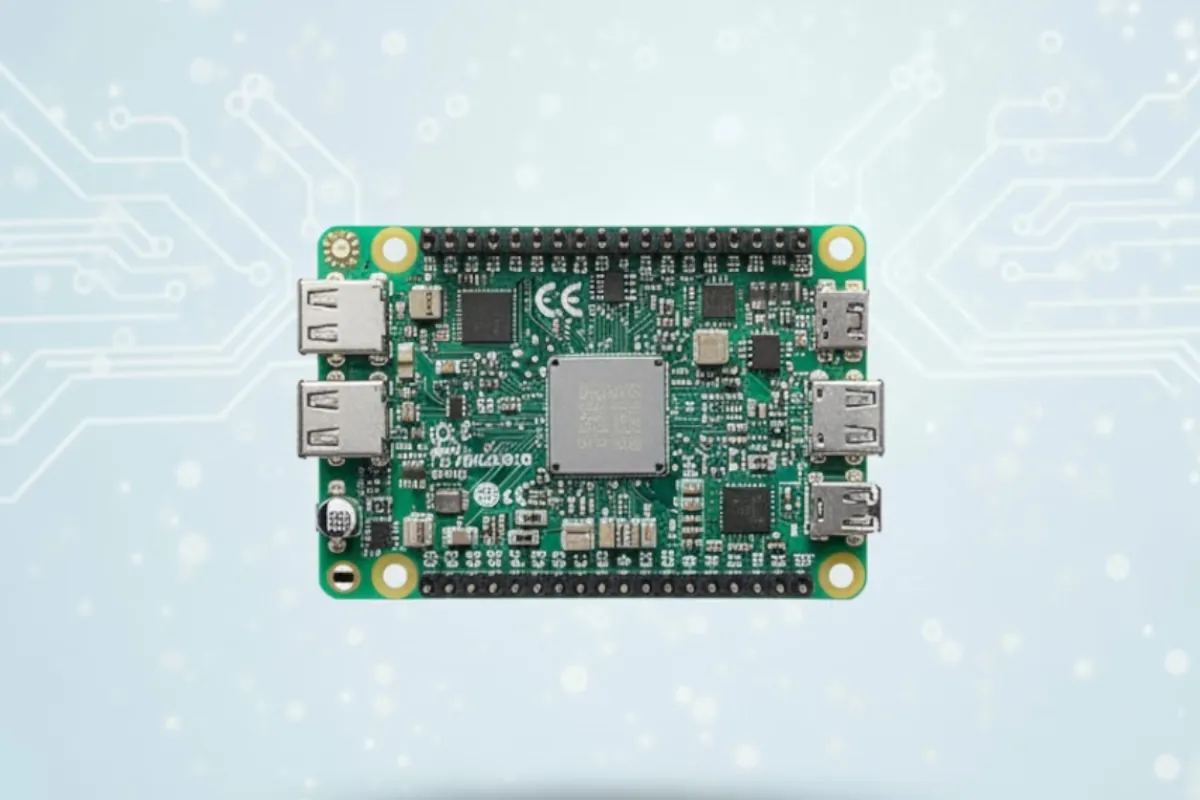
Expert recommendations based on Raspberry Pi 4 Model B specifications
Recommended Spec
microSD (Class 10 / U1 or faster)
With a high-performance microSD card like this one, you can enjoy seamless multitasking on your Raspberry Pi 4, whether you're coding, streaming, or running resource-intensive applications. This means you can get more done in less time without worrying about slowdowns or freezes. Your device stays responsive and efficient, so you can focus on what matters.
Contains affiliate link
#1 Top Pick for Raspberry Pi 4 Model B
View Top Recommendation
Check Price
Official Raspberry Pi 4 Model B SD Card Requirements
-
Format: microSD
-
Minimum Speed: Class 10 / U1 (10 MB/s write)
-
App Performance: A1 (Required for OS/Apps)
-
Maximum Capacity: Up to No official limit
Why these requirements? Like all Raspberry Pis, the Pi 4 runs its OS from the microSD card. An A1 or A2 rated card is crucial for good performance. The A-rating signifies faster random access speeds, which translates to a more responsive desktop experience and faster application launch times.
Detailed Specifications
Type
microSD
Min Speed Class
Class 10 / U1
Write Speed
10 MB/s
Recommended Size
32GB, 64GB
Max Capacity
No official limit
Top SD Card Recommendations
This website contains affiliate links. We may earn a small commission when you purchase through our links at no extra cost to you.
| SD Card | Verified | Speed Class | Write Speed | Pros | Price |
|---|---|---|---|---|---|
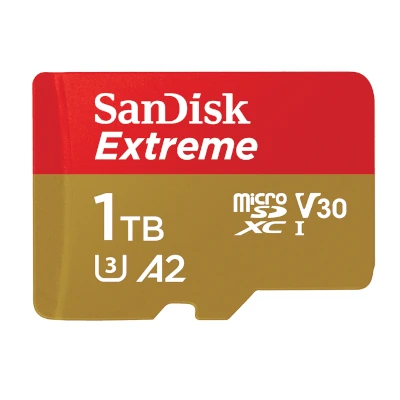
SanDisk Ultra microSD
|
C10 | Up to 20 MB/s |
|
$ Check Price | |
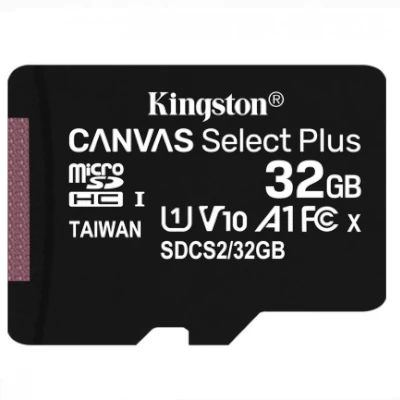
Kingston Canvas Select Plus
|
V10 | Up to 85 MB/s |
|
$ Check Price | |
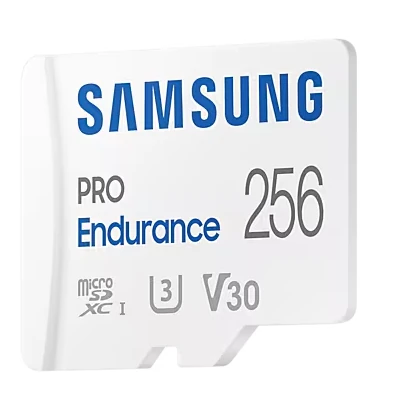
Samsung EVO Select (Blue)
|
V30 | Up to 60 MB/s |
|
$ Check Price | |
Amazon Basics Micro SDXC
|
U3 | Up to 90 MB/s |
|
$ Check Price |
Kingston Canvas Select Plus
The Kingston Canvas Select Plus offers an excellent budget option for everyday users who require reliable storage and a durable microSD card. With a read speed of up to 100 MB/s and a write speed of up to 85 MB/s, it provides a seamless user experience. The ultra-affordable lifetime warranty adds extra peace of mind for users who plan to use the card extensively.
Target User:
Budget-conscious content creators and mobile device users
Best For:
Smartphones & Tablets, Action Cameras, Dash Cams
Consider the Canvas Select Plus over other budget options if you prioritize high performance and durability. The Canvas Select Plus delivers impressive speeds while offering an incredible value for the price, making it a great choice for those who want a reliable and affordable microSD card.
Featured Products on Amazon
This website contains affiliate links. We may earn a small commission when you purchase through our links at no extra cost to you.

Kingston Canvas Go Plus 128GB microSD Card | Up to 200MB/s | Class 10, UHS-I, U3, V30, A2 | SDCG4/128GB
$Check Price
View on Amazon
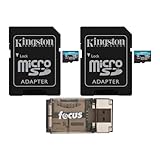
Kingston 128GB MicroSDXC Canvas Go Plus Memory Card (2-Pack) Bundle with All-in-One High Speed USB 2.0 Card Reader Compatible with Mac and PC Systems (3 Items)
$Check Price
View on Amazon

Kingston 128GB Canvas Go Plus microSDXC Card | Up to 170MB/s | UHS-I, C10, U3, V30, A2/A1 | with Adapter | SDCG3/128GB
$Check Price
View on Amazon
Frequently Asked Questions
What SD Card Do I Need for Raspberry Pi 4 Model B?
The Raspberry Pi 4 Model B requires a microSD card with Class 10 / U1 speed rating for reliable performance. We recommend 64GB capacity as the sweet spot balancing storage capacity with affordability. The device supports up to No official limit, though most users find 64GB sufficient for daily use. Always choose from trusted brands like SanDisk, Lexar, or Kingston to ensure consistent performance and avoid data loss.
Is a V30 card good for a Raspberry Pi 4?
A V30 rating is not the most important spec. Look for an A1 or A2 rating instead. The V30 rating is for video and doesn't affect OS performance. The Application Performance Class (A1/A2) is what makes the Pi 4 feel fast and responsive.
What is the minimum recommended capacity for Raspberry Pi 4?
A 32GB card is a good minimum for Raspberry Pi OS with a desktop environment. This leaves enough space for installing several applications and for project files. For more complex projects or storing media, 64GB or larger is recommended.
Is Class 10 / U1 required for Raspberry Pi 4 Model B?
Yes, Class 10 / U1 is recommended for Raspberry Pi 4 Model B. It guarantees a minimum sustained write speed of 10 MB/s, which is necessary for stable recording without dropped frames or errors.
What storage capacity should I get for Raspberry Pi 4 Model B?
We recommend 32GB or 64GB cards. A 32GB card is good for typical use, with No official limit as the maximum supported capacity. Larger sizes are useful if you shoot frequently and want to minimize card swaps.
Can I use older or slower cards with Raspberry Pi 4 Model B?
Not recommended. Cards slower than Class 10 / U1 may cause dropped frames, corrupted files, or recording failures. Always use Class 10 / U1 minimum for reliability.
Does the brand matter for Raspberry Pi 4 Model B?
Yes, trusted brands like SanDisk, Lexar, and Kingston are recommended. Quality brands have better reliability and warranty support. Avoid unknown brands, especially for demanding devices.
What happens if I use the wrong card with Raspberry Pi 4 Model B?
Using cards slower than Class 10 / U1 can cause: dropped frames during recording, corrupted files, or complete recording failure. Stick to Class 10 / U1 minimum to avoid data loss.
How long will an SD card last with Raspberry Pi 4 Model B?
Quality SD cards typically last 3-5 years with normal use. Replace your card if you experience read/write errors, corrupted files, or if it's been dropped or exposed to extreme conditions.