
Best SD Cards For DJI Mini 3 (Non-Pro)
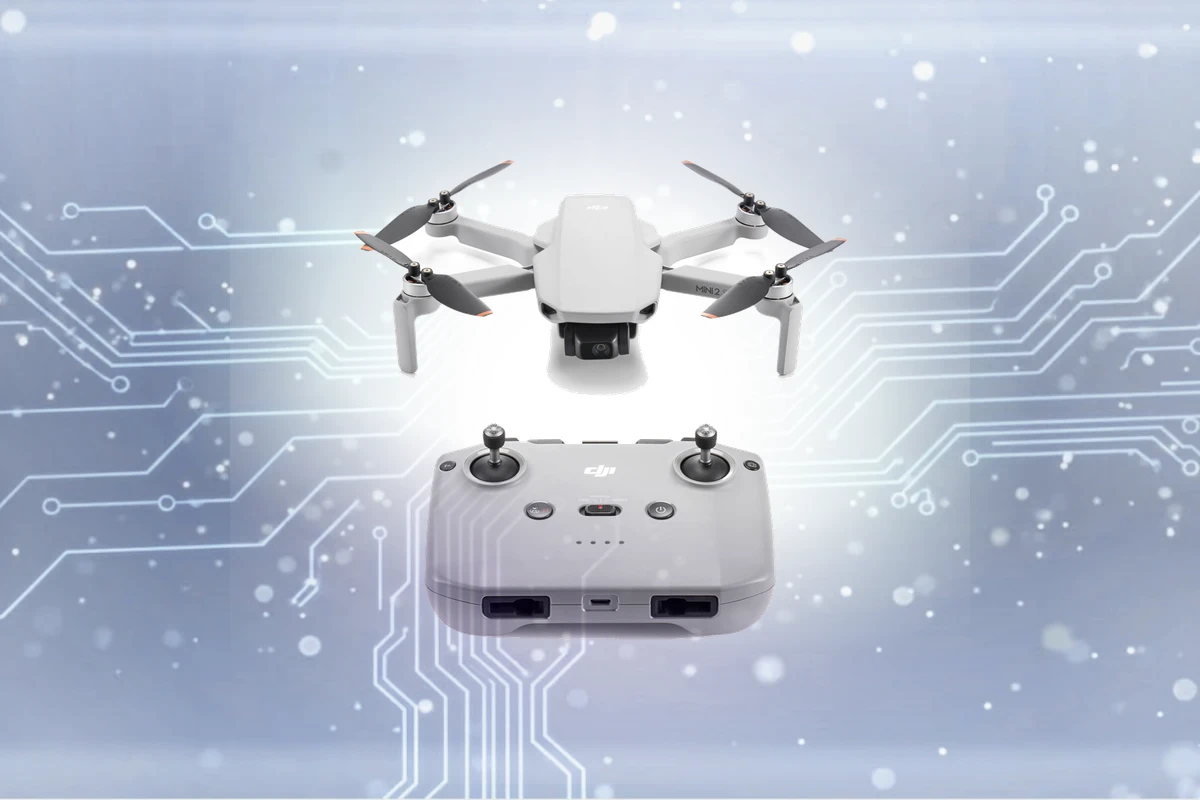
Expert recommendations based on DJI Mini 2 SE specifications
Recommended Spec
microSD UHS-I (V30 or faster)
The Mini 2 SE records 2.7K/30 at 40 Mbps, so any U3/V30 card has plenty of margin. DJI caps the slot at 256GB, and 64GB holds over 3 hours of 2.7K.
Contains affiliate link
#1 Top Pick for DJI Mini 2
View Top Recommendation
Check Price
Official DJI Mini 2 SD Card Requirements
-
Format: microSD UHS-I
-
Minimum Speed: V30 (30 MB/s write)
-
Maximum Capacity: Up to 256GB
Why these requirements? The Mini 2 SE records video up to 2.7K/30 at 40 Mbps. DJI requires a UHS-I Speed Grade 3 (U3) card, which V30 cards meet. The bitrate is low, so a 64GB or 128GB card lasts many flights.
Detailed Specifications
Type
microSD UHS-I
Min Speed Class
V30
Write Speed
30 MB/s
Recommended Size
64GB, 128GB
Max Capacity
256GB
Top SD Card Recommendations
This website contains affiliate links. We may earn a small commission when you purchase through our links at no extra cost to you.
| SD Card | Verified | Speed Class | Write Speed | Pros | Price |
|---|---|---|---|---|---|
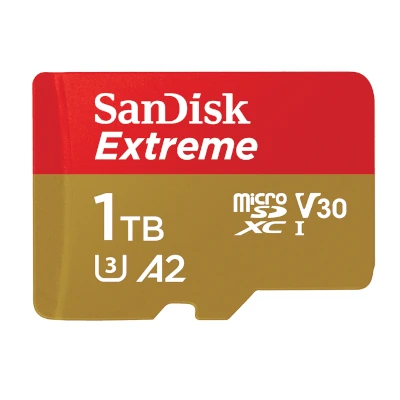
SanDisk Extreme microSD
Full Review
|
V30 | Up to 130 MB/s |
|
$ Check Price | |
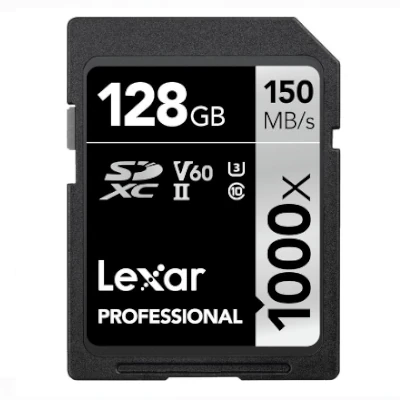
Lexar Professional Gold (1800x)
|
V60 | Up to 180 MB/s |
|
$$ Check Price |
Compare These Cards
Open in full compare toolSee how the recommended cards for DJI Mini 2 SE stack up side by side, or swap in any other card.
recommended
View on Amazon
SanDisk Extreme microSD
$ · Mid-Range- UHS RatingUHS-I
- Speed ClassV30
- App PerformanceA2
- Read SpeedUp to 190 MB/s
- Write SpeedUp to 130 MB/s
- EnduranceStandard
Available Capacities32GB, 64GB, 128GB, 256GB, 512GB, 1024GB, 1500GB
Pros
- V30 and A2 with fast writes
- sold up to 1.5TB. Widely available
- so easy to buy genuine.
Cons
- Write speeds are lower on the 32GB and 64GB versions.
professional
View on Amazon
Lexar Professional Gold (1800x)
$$ · Premium- UHS RatingUHS-II
- Speed ClassV60
- App PerformanceA2
- Read SpeedUp to 280 MB/s
- Write SpeedUp to 180 MB/s
- EnduranceStandard
Available Capacities64GB, 128GB, 256GB, 512GB
Pros
- UHS-II microSD that reads up to 280 MB/s in a UHS-II reader.
Cons
- Costs more per GB. Runs at UHS-I speed in drones
- action cams and other UHS-I slots.
Add a card to compare
SanDisk Extreme microSD
The SanDisk Extreme microSD pairs V30 video speed with an A2 app rating and reads up to 190 MB/s. It covers 4K recording in drones and action cameras, game storage in handhelds, and app storage in phones. It is sold from 32GB to 1.5TB.
Target User:
Smartphone, drone, and action camera users who want one reliable card for both 4K video and app storage
Best For:
Action Cameras, Drones, Smartphones & Tablets, Mirrorless Cameras
Step up to the SanDisk Extreme PRO for higher sustained write speeds, or down to the Samsung EVO Select if 4K recording isn't a priority and price matters more.
Featured Products on Amazon
This website contains affiliate links. We may earn a small commission when you purchase through our links at no extra cost to you.

Kingston Canvas Go Plus 128GB microSD Card | Up to 200MB/s | Class 10, UHS-I, U3, V30, A2 | SDCG4/128GB
Check Price
View on Amazon


Kingston 128GB Canvas Select Plus microSD Card | Up to 150MB/s | Class 10, UHS-I, U1, V10, A1 | SDCS3/128GB
Check Price
View on Amazon
Frequently Asked Questions
What SD Card Do I Need for DJI Mini 2 SE?
The DJI Mini 2 SE takes a microSD UHS-I card rated V30 or faster. 64GB or 128GB covers most owners, and the maximum is 256GB. Buy SanDisk, Lexar, Samsung or Kingston from a reputable seller: counterfeit cards are the most common cause of lost files.
Can I use a SanDisk Ultra card in the Mini 2 SE?
Not recommended. DJI requires U3/V30, and the SanDisk Ultra is U1. It may work at 2.7K, but DJI's firmware can warn about slow cards and stop recording.
Is V30 required for DJI Mini 2 SE?
Yes. V30 guarantees 30 MB/s of sustained write, which keeps the DJI Mini 2 SE free of dropped frames, clips that stop early, or corrupted files. Faster cards work too.
What size SD card should I get for DJI Mini 2 SE?
64GB covers light use; 128GB suits heavy use. The maximum is 256GB.
Can I use older or slower cards with DJI Mini 2 SE?
Not below V30. Slower cards cause dropped frames, clips that stop early, or corrupted files. Check the card label for the V30 mark.
Is a UHS-II card faster in DJI Mini 2 SE?
No. The DJI Mini 2 SE has a UHS-I slot, so a UHS-II card runs at UHS-I speed. It only offloads faster in a UHS-II card reader.
Should I use more than one card with DJI Mini 2 SE?
For long shoots, yes. Two mid-size cards cost about the same as one large card, and a failure then loses half your files instead of all of them.
Does the brand matter for DJI Mini 2 SE?
Yes. SanDisk, Lexar, Samsung and Kingston cards meet their rated speeds. Buy from the brand's store or a major retailer: counterfeit cards sold under those names are common on marketplaces.
What happens if I use the wrong card with DJI Mini 2 SE?
A card slower than V30 causes dropped frames, clips that stop early, or corrupted files. A card over the maximum capacity or in the wrong format may not be recognized.
How long will an SD card last in DJI Mini 2 SE?
Several years in normal use. Cards usually fail from wear or counterfeit flash, not age. Replace yours at the first write error, corrupted file or "card not recognized" message.