
Best SD Cards For Miyoo Flip
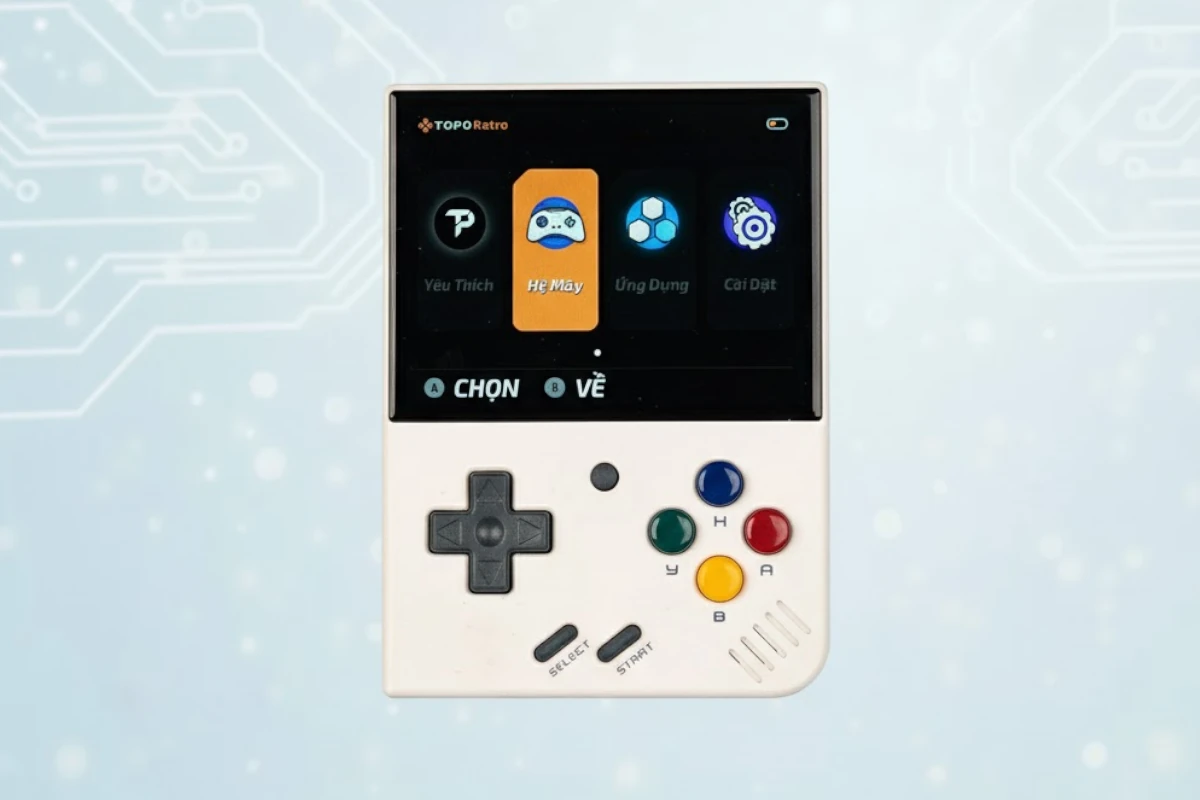
Expert recommendations based on Miyoo Mini Plus specifications
Recommended Spec
microSD (Class 10 / U1 or faster)
The Miyoo Mini Plus runs its OS and games from one microSD card, so a name-brand A1 card keeps menus responsive. 64GB to 128GB holds thousands of retro games.
Contains affiliate link
#1 Top Pick for Miyoo Mini
View Top Recommendation
Check Price
Official Miyoo Mini SD Card Requirements
-
Format: microSD
-
Minimum Speed: Class 10 / U1 (10 MB/s write)
-
App Performance: A1 (Required for OS/Apps)
-
Maximum Capacity: Up to 512GB+
Why these requirements? The Miyoo Mini Plus boots its OS from the microSD card. An A1-rated card speeds up menus and custom firmware such as OnionOS. Games are small, so capacity matters less than reliability.
Detailed Specifications
Type
microSD
Min Speed Class
Class 10 / U1
Write Speed
10 MB/s
Recommended Size
64GB, 128GB, 256GB
Max Capacity
512GB+
Top SD Card Recommendations
This website contains affiliate links. We may earn a small commission when you purchase through our links at no extra cost to you.
| SD Card | Verified | Speed Class | Write Speed | Pros | Price |
|---|---|---|---|---|---|
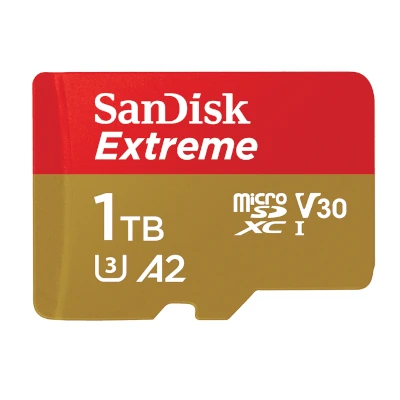
SanDisk Ultra microSD
Full Review
|
V10 | Up to 20 MB/s |
|
$ Check Price | |
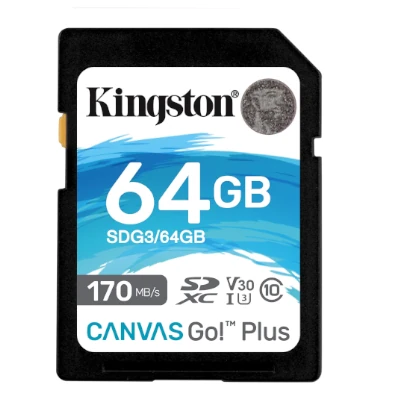
Kingston Canvas Go! Plus
|
V30 | Up to 90 MB/s |
|
$ Check Price | |
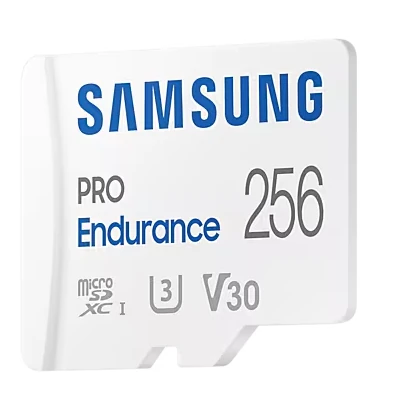
Samsung EVO Select (Blue)
|
V30 | Up to 60 MB/s |
|
$ Check Price | |
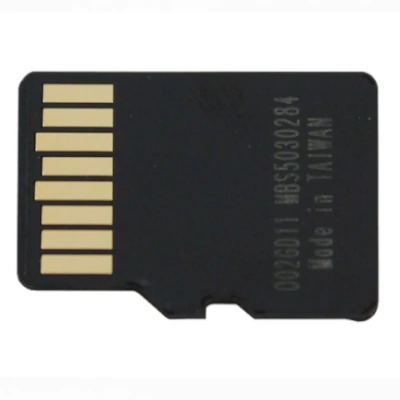
Amazon Basics Micro SDXC
Full Review
|
U3 | Up to 90 MB/s |
|
$ Check Price |
Compare These Cards
Open in full compare toolSee how the recommended cards for Miyoo Mini Plus stack up side by side, or swap in any other card.
budget
View on Amazon
SanDisk Ultra microSD
$ · Budget- UHS RatingUHS-I
- Speed ClassV10
- App PerformanceA1
- Read SpeedUp to 195 MB/s
- Write SpeedUp to 20 MB/s
- EnduranceStandard
Available Capacities32GB, 64GB, 128GB, 256GB, 512GB, 1024GB, 1500GB
Pros
- Cheap and sold in large capacities up to 1.5TB.
Cons
- Not V30 rated. Too slow for most 4K video.
recommended
View on Amazon
Kingston Canvas Go! Plus
$ · Mid-Range- UHS RatingUHS-I
- Speed ClassV30
- App PerformanceA2
- Read SpeedUp to 170 MB/s
- Write SpeedUp to 90 MB/s
- EnduranceStandard
Available Capacities64GB, 128GB, 256GB, 512GB
Pros
- V30 and A2 with 90 MB/s writes. Often bundled with a USB reader.
Cons
- Less common in retail stores than SanDisk.
budget
View on Amazon
Samsung EVO Select (Blue)
$ · Budget- UHS RatingUHS-I
- Speed ClassV30
- App PerformanceA2
- Read SpeedUp to 130 MB/s
- Write SpeedUp to 60 MB/s
- EnduranceStandard
Available Capacities64GB, 128GB, 256GB, 512GB
Pros
- Low price per GB with V30 and A2. 10-year limited warranty.
Cons
- Writes slower than the SanDisk Extreme.
SanDisk Ultra microSD
The SanDisk Ultra microSD is a high-volume budget pick offering read speeds up to 195 MB/s for quick transfers and app loading. Its lighter write performance and V10 rating make it better suited to photos and everyday storage than sustained 4K video.
Target User:
Budget-conscious smartphone and tablet users who want fast file transfers without 4K video demands
Best For:
Smartphones & Tablets, Dash Cams, Drones
Upgrade to the SanDisk Extreme microSD if you need V30-rated write speeds for 4K video; stick with the Ultra for photos and casual use where price is the priority.
Featured Products on Amazon
This website contains affiliate links. We may earn a small commission when you purchase through our links at no extra cost to you.

Kingston Canvas Go Plus 128GB microSD Card | Up to 200MB/s | Class 10, UHS-I, U3, V30, A2 | SDCG4/128GB
Check Price
View on Amazon


Kingston 128GB Canvas Select Plus microSD Card | Up to 150MB/s | Class 10, UHS-I, U1, V10, A1 | SDCS3/128GB
Check Price
View on Amazon
Frequently Asked Questions
What SD Card Do I Need for Miyoo Mini Plus?
The Miyoo Mini Plus takes a microSD card rated Class 10 / U1 or faster. 64GB or 128GB or 256GB covers most owners, and the maximum is 512GB+. Buy SanDisk, Lexar, Samsung or Kingston from a reputable seller: counterfeit cards are the most common cause of lost files.
How much storage do I need for the Miyoo Mini Plus?
64GB holds thousands of 8-bit and 16-bit games; 128GB suits most owners. PS1 games are 500MB to 700MB each, so a large PS1 library needs 256GB.
Is Class 10 / U1 required for Miyoo Mini Plus?
Yes. Class 10 / U1 guarantees 10 MB/s of sustained write, which keeps the Miyoo Mini Plus free of slow loads, stutter, or write errors. For load times, the A1 app rating matters more.
What size SD card should I get for Miyoo Mini Plus?
64GB covers light use; 256GB suits heavy use. The maximum is 512GB+.
Can I use older or slower cards with Miyoo Mini Plus?
Not below Class 10 / U1. Slower cards cause slow loads, stutter, or write errors. Check the card label for the Class 10 / U1 mark.
Does the brand matter for Miyoo Mini Plus?
Yes. SanDisk, Lexar, Samsung and Kingston cards meet their rated speeds. Buy from the brand's store or a major retailer: counterfeit cards sold under those names are common on marketplaces.
What happens if I use the wrong card with Miyoo Mini Plus?
A card slower than Class 10 / U1 causes slow loads, stutter, or write errors. A card over the maximum capacity or in the wrong format may not be recognized.
How long will an SD card last in Miyoo Mini Plus?
Several years in normal use. Cards usually fail from wear or counterfeit flash, not age. Replace yours at the first write error, corrupted file or "card not recognized" message.