The Complete Nintendo Switch microSD Card Guide 2025
Choose the right capacity, speed, and card for your console
Say goodbye to "storage full" errors. This guide will help you select the perfect SD card and show you how to safely migrate your data without losing a single save.
Contents of This Guide
- ▶ Quick Answer: Best microSD Cards by Gaming Style
- ▶ 1. SD Card Types That Work With Nintendo Switch
- ▶ 2. How to Choose the Right Capacity
- ▶ 3. Speed Requirements: U3 vs A2 Explained
- ▶ 4. How to Transfer Data Between Cards
- ▶ 5. Recommended Brands and Spotting Counterfeits
- ▶ 6. Frequently Asked Questions
Disclosure: SD Card Checker contains affiliate links. When you purchase through our links, we earn a small commission at no extra cost to you.
Quick Answer: Best microSD Cards by Gaming Style
Short on time? Here's what you need to know. Find your gaming style and go straight to purchasing the recommended specs.
Physical Games Primarily
128GB / A1
Updates, DLC, and the occasional digital game—plenty of space. Best value for most players.
Mix of Digital & Physical
256GB / A2
Faster load times with A2, room for multiple large titles. The sweet spot for most gamers.
Download Everything
512GB+ / A2
Never worry about storage again. Perfect for collectors and completionists.
1. SD Card Types That Work With Nintendo Switch
While there are several types of SD cards in the market, Nintendo Switch only accepts microSD cards. Make sure you're buying the right type—bigger cards won't fit!
microSD
Up to 2GB (Compatible)
microSDHC
4GB–32GB (Compatible)
microSDXC
64GB–2TB (Compatible)
⚠️ Not Compatible: Full-size "SD" or "miniSD" cards won't fit in your Switch due to physical size differences.
2. How to Choose the Right Capacity
The standard Switch has only 32GB of internal storage (64GB on the OLED model), and large games eat up space quickly. A microSD card is essential. Here's how many games fit on each capacity:
| Capacity | Approx. Games Stored | Example Game Sizes |
|---|---|---|
| 128GB | 8–15 games | Zelda: Tears of the Kingdom (18GB), Splatoon 3 (6GB), Pokémon Scarlet/Violet (12GB) |
| 256GB | 15–30 games | + Super Smash Bros Ultimate (19GB), Xenoblade Chronicles 3 (14GB) |
| 512GB | 30–60 games | + The Witcher 3 (31GB), NBA 2K24 (56GB) |
| 1TB | 60+ games | Storage is essentially unlimited for most users |
Pro Tip
Games often grow with updates. When in doubt, buy larger than you think you'll need. You'll thank yourself in a year when a 15GB game suddenly becomes 25GB with patches.
3. Speed Requirements: U3 vs A2 Explained
Card speed affects game load times. The faster your card, the quicker games launch and levels load. Here's what each speed rating means:
Nintendo's Official Requirement vs. What Actually Works Best
Nintendo officially recommends "UHS-I compatible, read speed 60MB/s or faster" (roughly "U1" in older terminology). But this is the minimum. For noticeably better performance, look for these specs:
Sequential Read Speed
That big number on the box ("up to 170MB/s") refers to how fast the card reads large files sequentially. This matters when you first install a game, but less so during normal play.
🎮 Random Read Speed (IOPS) — The Real Game-Changer
This is what affects in-game load times. Cards marked "A1" or "A2" have faster random read speeds, making game assets load more quickly during play.
Sweet Spot for Switch: Look for UHS-I compatible cards with U3 and A2 rating. You'll get the best game performance for your investment.
Important: UHS-II Not Needed
Some cards are rated "UHS-II" for extreme speeds. Don't buy them for Switch—the Switch only has UHS-I hardware and will run UHS-II cards at regular UHS-I speeds anyway. You'd just be paying more for a feature you can't use.
4. How to Transfer Data Between microSD Cards
Upgrading to a larger or faster card is simple with a PC. Your save data is stored on the Switch itself, not the card, so there's no risk of losing your progress.
What You'll Need
New microSD card, a PC (Windows or Mac), and a microSD card reader (built-in on some laptops, or buy a cheap USB adapter)
Power Off Your Switch Completely
Hold the power button for 3 seconds → Power Options → Power Off (not sleep mode!)
Back Up Old Card Data to Your PC
Remove the current card from your Switch and connect it to your PC. Copy the entire "Nintendo" folder to your desktop as a backup.
Paste Data to Your New Card
Connect your new microSD card to your PC and paste the "Nintendo" folder onto it. This is a simple copy-paste operation.
Done!
Insert the new card into your Switch, power it on, and all your games will appear. No re-downloading needed!
5. Recommended Brands and How to Spot Counterfeits
Buy from reputable brands. Counterfeit cards are unfortunately common online, and they fail quickly or don't work at all.
Trusted Brands for Nintendo Switch
- SanDisk: The market leader. Their "Extreme" and "Ultra" lines are widely recommended for Switch.
- Samsung: Excellent performance and reliability. The "Pro Plus" and "Evo Plus" series are popular choices.
- Kingston: Solid middle-ground option with good speeds and durability at reasonable prices.
- Crucial (Micron): Budget-friendly with decent specs. Good if you're watching costs.
🛒 Shopping Safety: Check the Seller, Not Just the Price
On Amazon or eBay, verify the seller is legitimate and the listing is from the brand's official store, not a third-party marketplace. Suspiciously cheap prices are a red flag. Counterfeit cards often come with false capacity claims (a 32GB card pretending to be 256GB) or fail after a few months.
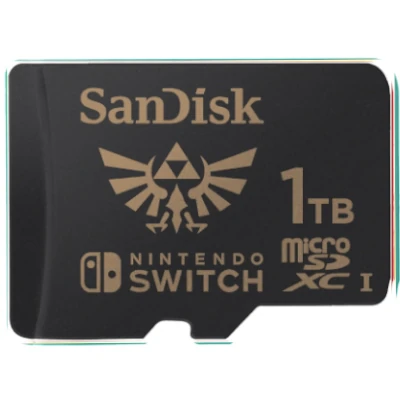
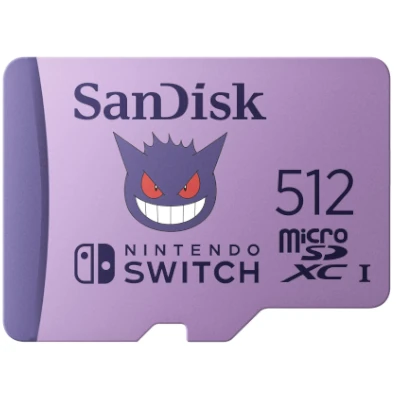
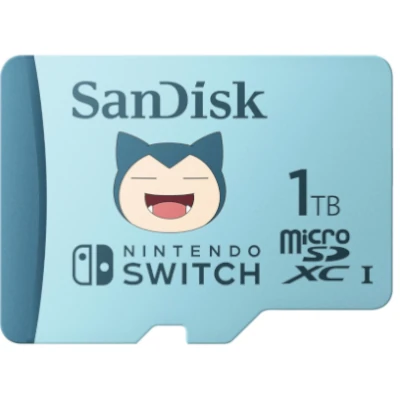
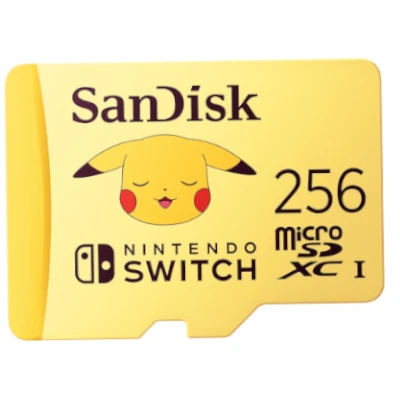
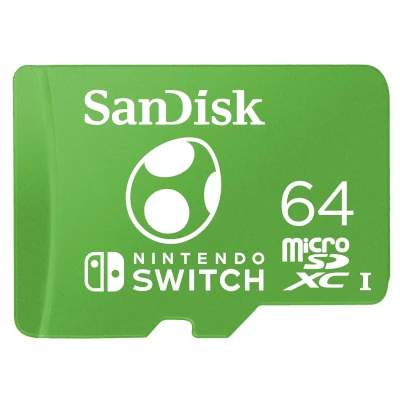
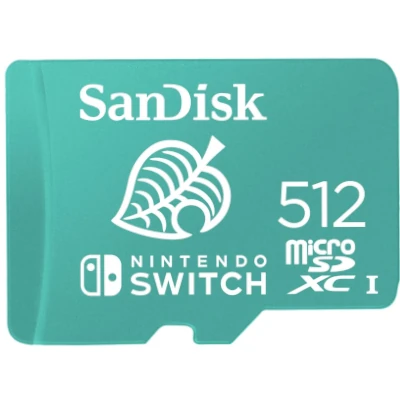
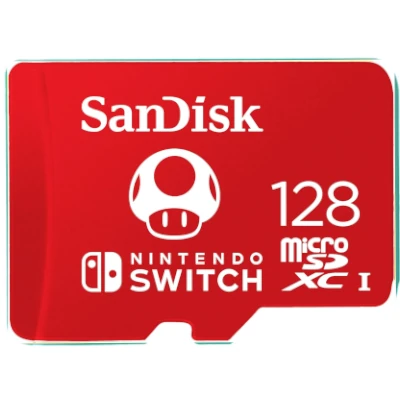
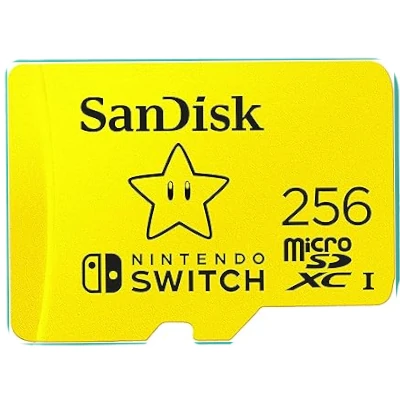
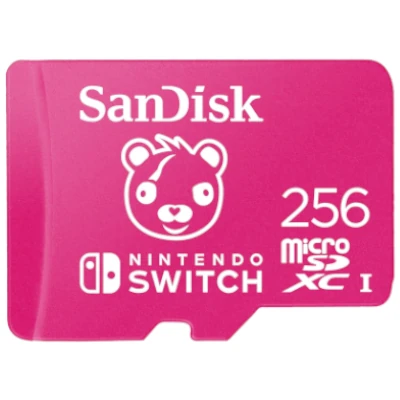
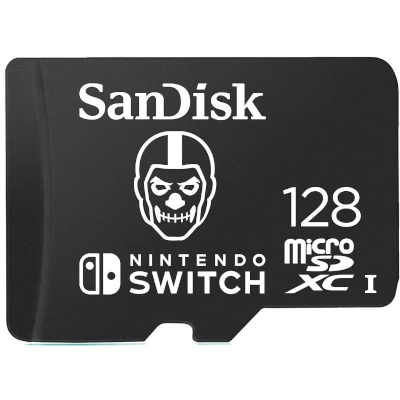
Official Nintendo-Licensed SanDisk microSD Cards
Officially licensed and tested by Nintendo. Available in multiple capacities with V30 performance.
About These Official Nintendo-Licensed Cards
All SanDisk Nintendo-branded microSD cards are officially licensed and tested by Nintendo. They feature UHS-I, V30 speed class, and deliver reliable performance across all Nintendo Switch models (Switch, Switch OLED, and Switch Lite).
Important Note for Switch 2 owners: These UHS-I microSD cards are NOT compatible with Nintendo Switch 2. Switch 2 requires microSD Express cards for game storage and play. Standard UHS-I microSD cards cannot be used for Switch 2 games.
Other Top-Rated microSD Cards for Nintendo Switch
Beyond the official Nintendo-licensed cards, these proven performers offer excellent value and reliability for your Switch gaming library.
6. Frequently Asked Questions
Where is my save data stored?
All game save data is stored on your Switch console's internal memory, not on the microSD card. This is by design. Your saves are completely safe when you swap cards or upgrade to a larger one. You can only back up saves to the cloud with Nintendo Switch Online subscription.
Is an official Nintendo-licensed SD card better?
Official Nintendo-licensed cards are tested by Nintendo, which is nice for peace of mind. However, they're usually more expensive and perform identically to quality third-party cards from trusted brands. If you're buying from SanDisk or Samsung and checking the A2/U3 specs, you'll be fine. Save the money and go with a high-quality non-licensed card.
Why isn't my card being recognized by my Switch?
First, power off your Switch completely and try reinserting the card—push until it clicks. If it still doesn't work, test the card on a PC to see if it's readable there. If the PC can't read it either, the card is likely defective or counterfeit. Try a different card if possible. If the PC reads it fine but Switch doesn't, there may be a compatibility issue, though this is rare with microSDXC cards.
What gets stored on the microSD card?
The microSD card stores: (1) Downloaded game software, (2) Game updates and patches, (3) DLC and add-on content, (4) Screenshots and video captures. NOT stored on the card: Save data (stored on console), user profiles, or system software.
Best microSD Cards for Nintendo Switch
This website contains affiliate links. We may earn a small commission when you purchase through our links at no extra cost to you.

Kingston Canvas Go Plus 128GB microSD Card | Up to 200MB/s | Class 10, UHS-I, U3, V30, A2 | SDCG4/128GB
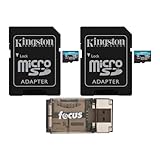
Kingston 128GB MicroSDXC Canvas Go Plus Memory Card (2-Pack) Bundle with All-in-One High Speed USB 2.0 Card Reader Compatible with Mac and PC Systems (3 Items)

Kingston 128GB Canvas Go Plus microSDXC Card | Up to 170MB/s | UHS-I, C10, U3, V30, A2/A1 | with Adapter | SDCG3/128GB
Related Guides & Tools
Explore more resources to make the most of your Nintendo Switch storage.