
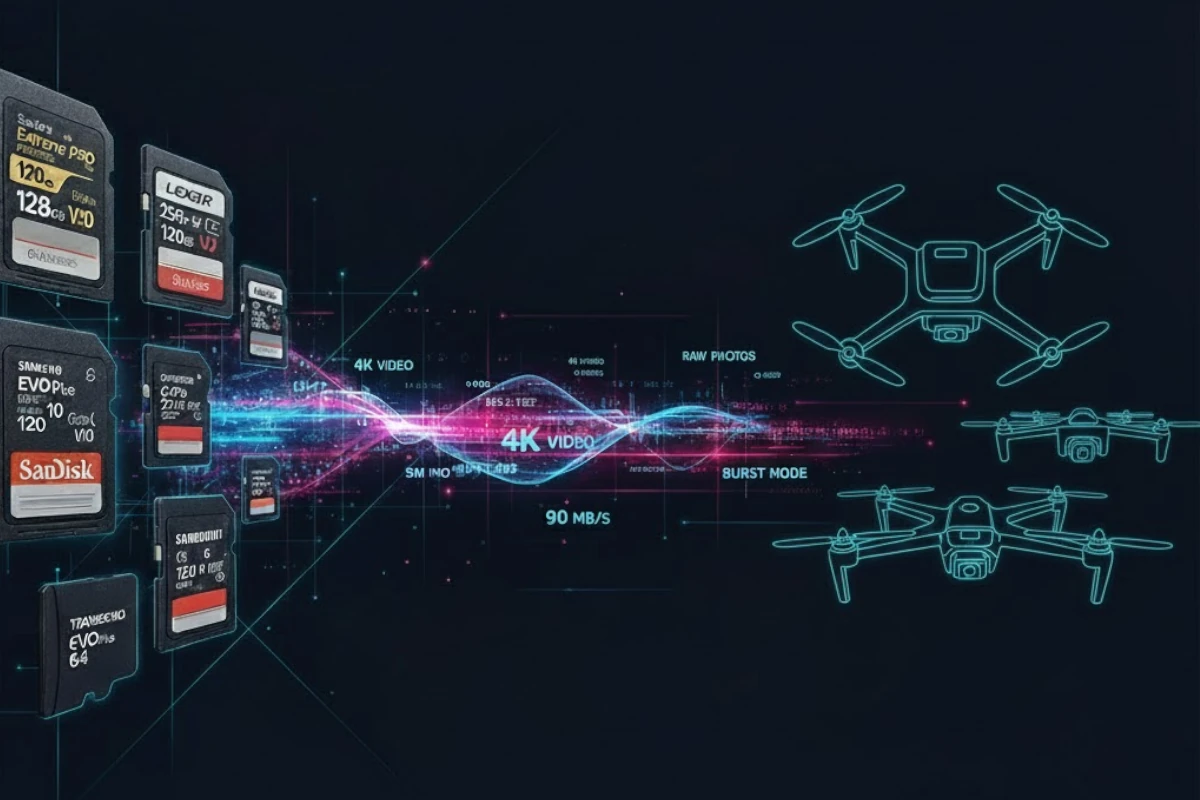
Running out of storage mid-flight wastes flight time and ruins footage. This calculator helps drone pilots plan flights with confidence by showing exactly how much video fits on your microSD card based on your drone model, resolution, and frame rate.
Whether you're flying a DJI Mavic 3 in 5.1K, an Air 3S in 4K, or a Mini 4 Pro for casual recording, this tool instantly calculates recording duration, recommends the ideal card capacity, and ensures your speed class matches your drone's requirements. No more guessing—just flight time you can rely on.
DJI Device Presets
All recording modes included
H.264 & H.265 Comparison
Codec efficiency differences
Speed Class Matching
V30, V60 recommendations
Quick note: Bitrate is measured in Mbps (megabits per second). Card speed class (V30, V60) is measured in MB/s (megabytes per second). To convert: 1 MB/s = 8 Mbps.
Why This Matters: Flight Planning Confidence
For drone pilots, storage limitations directly impact flight efficiency. Most commercial drones offer limited flight time per battery—typically 20-30 minutes. Filling your card mid-flight wastes that precious flight time and forces you to swap cards or format (risking data loss). A slow card creates buffer bottlenecks that can cause dropped frames, especially at high resolutions or frame rates.
DJI drones record at varying bitrates depending on resolution and codec. A Mavic 3 shooting 5.1K at 50fps in H.265 uses 200 Mbps—far more data than a Mini 4 Pro's casual 4K 30fps at 60 Mbps. Miscalculating storage means you'll either buy unnecessarily large cards (wasting money) or run out mid-flight (wasting time and footage).
This calculator removes the guesswork. Select your drone model, choose your recording mode, and instantly see how many flights you can capture on your card. Whether you're flying for aerial photography, real estate, inspections, or content creation, you'll know exactly what capacity and speed class you need.
Frequently Asked Questions
H.264: The older, widely-compatible codec. Used on DJI Mini 4 Pro and most older DJI drones. Files are larger but play on any device without conversion. Typical bitrates: 50-150 Mbps depending on resolution and fps.
H.265 (HEVC): Modern codec with 40-50% better compression. Used on Mavic 3, Air 3S, and newer drones. Same visual quality as H.264 but with 40-50% smaller files and lower storage requirements. Typical bitrates: 100-200 Mbps for equivalent quality. Requires H.265-capable editing software (most modern editors support it).
For drone pilots: H.265 on newer DJI models means you can record longer on the same card, or use smaller cards for the same duration. This is especially valuable on drones with limited battery life.
Pro tip: Check your specific DJI model's specs—some offer both H.264 and H.265 recording modes. Use our calculator to compare: H.265 typically saves 30-50% storage versus H.264 at the same resolution.
For DJI drones recording 4K 30fps or lower: V30 is generally sufficient. V30 guarantees 30 MB/s sustained write speed, which handles most DJI recording modes. Popular drones like Mini 4 Pro and some Air modes work fine with V30.
For DJI drones recording 4K 60fps or higher bitrates: V60 is recommended. DJI Mavic 3 in 5.1K, Air 3S in 4K 60fps, and other high-bitrate modes require V60 for sustained performance. V60 guarantees 60 MB/s minimum, preventing buffer overflow.
For 8K or extreme bitrates: Check your specific drone's manual. Most consumer DJI drones work with V30-V60, but professional cinema modes may require faster cards. DJI always lists minimum recommended speed class in the specs.
Rule of thumb: Always match or exceed the speed class your drone manual specifies. Using a slower card risks dropped frames, corrupted footage, and mid-flight recording failures—not worth the cost savings.
Method 1 (Easiest): Use our calculator's device dropdown. Select your DJI model (Mavic 3, Air 3S, Mini 4 Pro, etc.) and recording mode. We've pre-loaded all official DJI bitrates for each model and resolution combination.
Method 2 (Manual research): Check DJI.com's official specs for your model. Search "[Drone Model] specifications" and look for "Video Recording Bitrate" or "Video Encoding." DJI lists bitrates for each resolution/fps combination. Example: DJI Mini 4 Pro lists 60 Mbps for 4K 30fps H.264, 100 Mbps for 4K 60fps H.265.
Method 3 (Empirical): Record a test flight at your desired settings, check the resulting file size and duration, then calculate: File Size (MB) × 8 ÷ Duration (minutes) = Bitrate in Mbps. This gives you your drone's actual bitrate with your settings.
Pro tip: DJI's specs are reliable. Most drones stick to published bitrates across firmware versions. Use official specs first, then test to confirm.
For casual pilots (1-2 flights per session): A 128GB microSD card provides 2-4 hours of recording at typical 4K bitrates (100-150 Mbps). This covers most casual flights with room for multiple takes.
For commercial/intensive use (all-day shoots): A 256GB or 512GB card ensures you won't run out mid-project. At 200 Mbps (Mavic 3 5.1K), a 256GB card gives ~3.4 hours of continuous recording—enough for a full day of flights with multiple batteries.
Consider overprovision: Even if your math says 128GB is enough, buying 256GB gives you: (1) safety margin for multiple takes, (2) headroom to avoid performance degradation when nearly full, (3) space for camera firmware/metadata. Many professionals buy 2x their calculated need.
Pro tip: DJI drones max out around 512GB on most models. Check your specific drone's maximum supported capacity—some older models cap at 256GB. Our calculator will show you exactly what duration you get on any capacity you're considering.
Yes, all DJI drones use standard microSD cards, so you can swap cards between your Mavic 3, Air 3S, Mini 4 Pro, Avata, or any other DJI model. A V60 card works in every DJI drone (backward compatible with drones that only require V30).
Best practice for professionals: Use cards rated for your highest-bitrate drone. If you fly both a Mavic 3 (V60 recommended) and Mini 4 Pro (V30 sufficient), equip all cards with V60 or higher. This eliminates card-swapping logistics and ensures every card handles every drone.
Formatting: Always format cards in the drone itself before first use and periodically during intensive shooting. This ensures optimal filesystem compatibility. DJI drones format to exFAT, which is standard across devices.
Wear consideration: MicroSD cards designed for continuous recording (endurance cards) degrade faster with heavy use. If you fly daily or shoot 8+ hours per session, high-endurance microSD cards extend lifespan. Otherwise, standard V60 cards work fine for typical drone use.
High-Endurance cards: Specialized for continuous 24/7 writing (dashcams, surveillance). They have optimized controllers and firmware to handle constant write cycles without degradation. Examples: SanDisk Max Endurance, Samsung Pro Endurance.
For typical drone use: NOT necessary. Drones record in bursts (flight sessions), not continuous 24/7. A standard V60 microSD card (like SanDisk Extreme, Lexar Professional) will outlast most drone use patterns.
When endurance cards make sense for drones: If you're flying continuous footage for cinema/documentary work (8-12 hours per day, multiple days) or running an autonomous aerial monitoring system that records constantly, endurance cards offer extra reliability. For recreational and commercial photography/cinematography, standard high-speed cards are ideal.
Cost-benefit: Endurance cards cost 20-30% more than equivalent standard V60 cards. For typical drone use, invest that money in backup cards instead. Three standard 256GB V60 cards cost less than two endurance cards and provide better redundancy.
Featured Products
This website contains affiliate links. We may earn a small commission when you purchase through our links at no extra cost to you.
