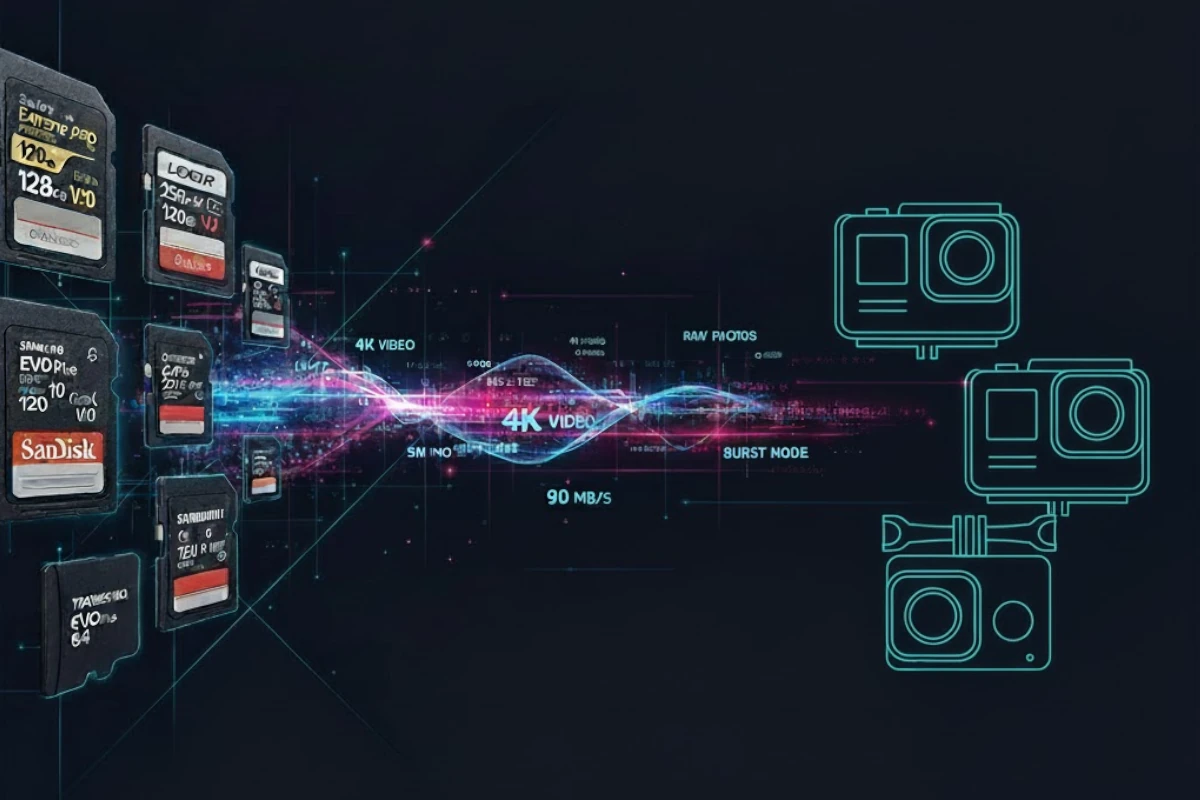
Running out of storage mid-shoot is frustrating—and choosing the wrong card can cost you critical moments. This calculator helps you plan ahead by showing exactly how many photos fit on your SD card based on your shooting style, file format, and burst rate.
Whether you're shooting JPEG or RAW (or both), capturing bursts or single frames, this tool compares file sizes in seconds and recommends the ideal card capacity for your needs. No more guessing, no more surprises on location—just the confidence that your card has enough space.
JPEG vs RAW Comparison
See size differences instantly
Burst Rate Calculations
For continuous shooting
Custom File Sizes
Or use presets
Quick note: File sizes are measured in MB (megabytes). Speed classes (V30, V60, V90) are based on write speed, measured in MB/s (megabytes per second).
Why This Matters: The Hidden Cost of Wrong Card Choices
Many photographers assume all SD cards are the same—or just grab whatever's cheapest. In reality, the wrong card can ruin your shoot. Running out of storage mid-burst forces you to stop shooting, format the card (risking data loss), or miss the moment entirely. Equally problematic is choosing a card that's too slow: it creates a buffer bottleneck that interrupts your shooting rhythm and can cause dropped frames.
File format also matters more than most realize. A RAW file from a 45-megapixel camera can be 5x larger than a JPEG from the same camera. If you're shooting RAW and calculating storage as if you're shooting JPEG, you'll fill your card three shots from the end of an important session.
This calculator ensures you understand your needs before you buy, so you can invest in the right card size and speed class—giving you confidence on location.
Frequently Asked Questions
JPEG: Compressed format. Smaller files (2–12MB per photo). The camera applies color grading, white balance, and sharpening in real-time, so photos are ready to share straight out of the camera. However, this also means limited post-production editing flexibility—you can't recover blown highlights or fix white balance like you can with RAW.
RAW: Uncompressed format. Larger files (20–80MB per photo depending on megapixels and camera brand). RAW captures all sensor data without in-camera processing, giving you maximum editing control in post-production using software like Adobe Lightroom, Capture One, or DaVinci Resolve. You can adjust exposure, white balance, shadows, and highlights non-destructively and recover details that would be lost in JPEG.
JPEG + RAW Mode: Many modern cameras allow you to shoot both simultaneously, capturing a processed JPEG for quick review and sharing while also archiving the RAW file for serious editing. This uses roughly double the storage but gives you the best of both worlds.
Best for beginners? JPEG (simpler, faster workflow). Best for professionals or serious enthusiasts? RAW (maximum control, better recovery from mistakes). Use our calculator to estimate storage for your chosen format.
Method 1 (Quickest): Shoot a test photo in both JPEG and RAW formats, then check file properties (Windows: right-click → Properties; Mac: right-click → Get Info). Note the sizes in MB. This gives you exact data for your specific camera and settings.
Method 2 (Research): Search "[Camera Model] RAW file size" on DPReview, Fred Miranda Tools, or your camera's manual. These sources often list exact file sizes for each recording format and resolution mode. Canon 5D Mark IV RAW files, for example, are typically 30–35MB; a 45MP Sony α7R V can produce 80–100MB RAW files.
Method 3 (Estimate): Use our preset calculator above. Pick your megapixel range (5MP for smartphones, 20MP for entry DSLR, 45MP+ for high-end mirrorless) and format. We've calibrated these presets to common camera models, so you'll get a close estimate without manual testing.
Pro tip: File size varies slightly based on scene complexity (busy scenes compress less than simple ones), so always round up when calculating storage needs.
For JPEG bursts (under 6 fps): Class 10 or U3 is usually sufficient. JPEG files are small, so even modest write speeds (10 MB/s) can handle continuous shooting. Most entry-level DSLRs and mirrorless cameras shooting JPEG don't need anything faster.
For RAW bursts (6–10 fps): V30 is the minimum recommended. V30 guarantees 30 MB/s sustained write speed, which is essential for RAW shooting. RAW files are large, and if your card can't keep up, the camera's buffer fills, forcing you to pause between shots. This kills momentum during critical moments.
For high-speed burst (10+ fps) or professional work: V60 or V90. These cards guarantee 60 MB/s and 90 MB/s write speeds respectively. If you're shooting 12-14 fps RAW or using a professional cinema camera, these are necessary to prevent buffer overflow and ensure every frame is written reliably.
Check your camera's specs: Your camera manual lists the minimum recommended speed class. Don't cheap out—a slow card makes your expensive camera feel sluggish and unreliable.
Yes. Many modern cameras—especially mirrorless and professional DSLRs—have a "JPEG + RAW" or "RAW + JPEG" mode that saves both formats simultaneously. This is an excellent workflow because you get the JPEG for quick review and sharing while also archiving the RAW for serious editing.
Storage calculation: Shooting both uses roughly double the space. For example, a 45MB RAW file + 4MB JPEG = 49MB per photo. In our calculator, you can either estimate this manually (RAW size + JPEG size) or simply calculate based on RAW size alone, since JPEG is negligible next to RAW in most cases.
Speed class note: Your card speed class must still accommodate the RAW write speed, not the combined size. If V30 is required for RAW on your camera, it's still V30 for JPEG + RAW mode—not faster.
Not necessarily. It depends entirely on your shooting format, volume, and workflow. A RAW shooter capturing 5,000+ photos per session can fill 256GB in a single day—especially with high-megapixel cameras like the Sony α7R V. A JPEG-only wedding photographer might use only 128GB for an entire event.
Consider overprovision for reliability: Even if your math says you need 128GB, we recommend buying 256GB if your budget allows. Here's why: full or near-full SD cards degrade in performance, and you want a safety margin for camera firmware, extended shooting sessions, or re-shooting sequences. A full 256GB card also lasts longer before you need to format it.
Use our calculator: Input your format (JPEG, RAW, or both), file size, and typical shots per session. It'll tell you exactly what capacity makes sense. Most professional photographers keep multiple smaller cards (e.g., 128GB each) rather than relying on one massive card—it's safer.
Shoot RAW if: You are serious about post-processing or need maximum editing control. RAW files retain all sensor data—you can recover blown highlights, fix white balance mistakes, adjust exposure non-destructively, and perform advanced color grading. RAW is essential for professional work (weddings, commercial, fine art) where the final image quality is critical. You'll need photo editing software (Lightroom, Capture One, Affinity Photo) and time to process files.
Shoot JPEG if: You want instant, ready-to-share photos with zero editing, or you're starting out. JPEG files are small, fast to shoot, and require no post-processing. They work instantly on any device. The tradeoff: limited editing flexibility and no recovery from exposure mistakes.
The professional answer: Most professional and serious enthusiast photographers use JPEG + RAW mode. The JPEG is for quick review, client preview, and social media. The RAW is your master archive—you edit it, perfect it, and export JPEG versions for final delivery. This workflow gives you both convenience and control.
Storage implication: If you choose RAW or JPEG + RAW, you'll need significantly more card capacity. Use our calculator to estimate your actual storage needs before committing.
Featured Products
This website contains affiliate links. We may earn a small commission when you purchase through our links at no extra cost to you.
