
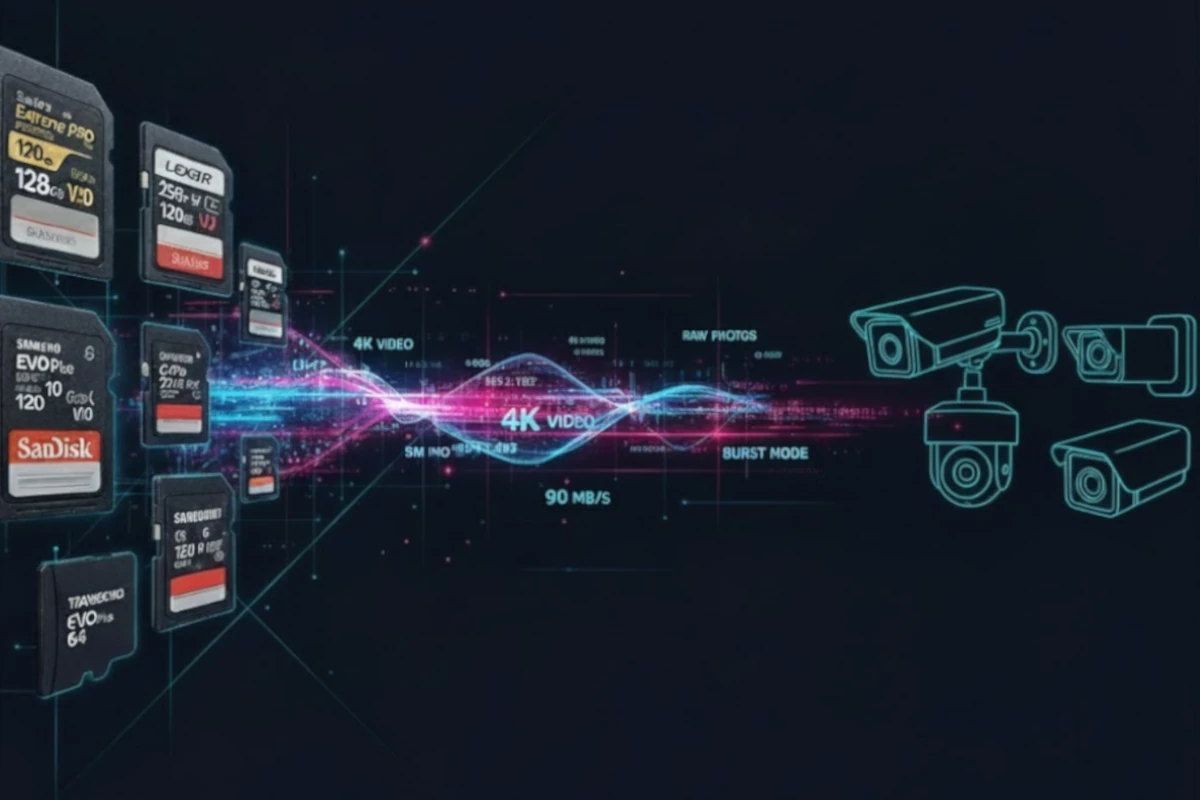
Security cameras only protect you if they're recording reliably. Home security, business monitoring, or parking lot coverage all require knowing exactly how long your footage will be retained before it overwrites. A poorly chosen SD card fails under constant recording load, leaving you without evidence when you need it most.
This calculator shows you exactly how many days of footage fit on your card based on your camera's bitrate and resolution. For continuous operation, pair this knowledge with a High Endurance SD card rated for 24/7 recording. Your security depends on reliable storage.
24/7 Planning
Continuous recording calculations
Endurance Focus
High-reliability card recommendations
Multi-Camera Support
Calculate total storage needs
Key insight: Security cameras typically record at 2–20Mbps depending on resolution (1080p, 2K, 4K) and compression. Surveillance cameras are designed for continuous operation; bitrate is typically lower than dashcams to prioritize storage efficiency over quality.
Why This Matters: Your Security Chain is Only as Strong as Your Storage
When a break-in happens, attempted theft occurs, or a property damage claim is made, you need footage. Surveillance systems fail silently. A regular SD card writing continuously shows no obvious failure signs until you try to retrieve critical evidence and find it corrupted or missing. Reliable storage is non-negotiable.
Many security cameras (Wyze Cam, Reolink, Eufy, Ring) use local microSD card storage as the primary recording method. Without cloud backup, your SD card is your only evidence. If the card fails, the footage is gone forever. High Endurance cards rated for 24/7 recording ensure your security system runs reliably for years without unexpected failure.
This calculator helps you understand your retention window and choose the right capacity for your security system.
Frequently Asked Questions
It depends on your camera's bitrate. Security cameras typically record at lower bitrates than other cameras to maximize storage efficiency.
1080p camera (~5Mbps): A 256GB card holds approximately 456 hours of footage (19 days of continuous 24/7 recording). At typical office hours (8 hours/day), that's ~57 days of storage.
2K camera (~10Mbps): A 256GB card holds approximately 228 hours of footage (9.5 days continuous). At 8 hours/day, that's ~28 days of coverage.
4K camera (~20Mbps): A 256GB card holds approximately 114 hours of footage (4.8 days continuous). At 8 hours/day, that's ~14 days of coverage.
Formula: Hours of recording = (Card Capacity in GB × 8) ÷ Bitrate (Mbps). For 256GB at 5Mbps: (256 × 8) ÷ 5 = 409.6 hours.
Endurance rating: Specifies how many write cycles the card can endure before failure. Regular cards: 3,000–10,000 cycles. Endurance cards: 10,000–100,000+ cycles depending on brand and model.
Why the difference matters: A security camera writing 5Mbps continuously will write approximately 432GB per day. In just 3 days, you'll have exhausted a regular card's write-cycle budget. An Endurance card is rated for years of this same workload.
Real-world consequence: A regular SD card in a surveillance camera typically lasts 2–8 weeks before showing errors, corruption, or complete failure. An Endurance card lasts 1–3+ years. The cost difference ($10–15) is negligible compared to the reliability gain.
Examples: SanDisk High Endurance, Samsung PRO Endurance, Kingston Endurance are all designed specifically for surveillance and dashcam use. Always look for the word "Endurance" on the card label.
Technically, yes. Most cameras will accept any microSD card. But practically, no—you should always use High Endurance cards for security cameras.
The problem with regular cards: Surveillance cameras are always writing, always stressing the card's flash memory. Regular cards are optimized for intermittent use (photography, occasional video). They have no built-in safeguards for continuous writing. Result: failure in weeks.
The Endurance advantage: Endurance cards have firmware designed to level wear evenly across the entire chip, manage heat dissipation, and handle billions of write cycles. They're built for this specific workload.
Warranty implications: Many camera manufacturers (Reolink, Wyze, Eufy) explicitly state in their documentation that using non-endurance cards voids the warranty. If the camera or card fails due to incompatibility, they won't replace it.
Recommendation: Always buy endurance cards for surveillance. The reliability and peace of mind are worth the modest cost difference.
Scenario 1: Each camera has its own SD card (most common for IP cameras and local surveillance): Calculate storage for each camera independently. If you have 3 cameras at 5Mbps each with 128GB cards, each gets ~76 days of recording. The system's retention window is 76 days per camera.
Scenario 2: Multiple cameras record to one shared NVR storage (some systems use a central NAS or NVR): Add bitrates. 3 cameras × 5Mbps = 15Mbps total. A 256GB drive (or SD card array) holds: (256 × 8) ÷ 15 = 136 hours (5.7 days of continuous recording).
Pro setup (redundancy): Use a 256GB endurance card per camera for local backup + a cloud service (AWS, Google Cloud, or camera-native cloud like Wyze Plus) for additional redundancy. This ensures you don't lose footage if a single card fails.
Fleet example: 10 vehicles with dashcams at 15Mbps each, 128GB endurance cards per vehicle: Each car stores ~19 hours (0.8 days) of continuous recording. For daily commutes, that's ~1 week of rolling footage per vehicle.
Heat risk: Continuous writing generates heat. In hot climates or direct sun, an outdoor camera and its SD card can reach 60–70°C (140–158°F). Regular cards throttle performance or fail at these temperatures. Endurance cards are engineered with better thermal management but still have limits.
Mitigation: Install outdoor cameras in shaded areas if possible. Use UV-protective housings. Avoid east-facing or west-facing exposures during peak heat hours. In extreme climates (desert, tropical), monitor card temperature via the camera's app if available.
Reduced bitrate option: If your outdoor camera overheats, consider lowering recording resolution from 4K to 2K. This reduces bitrate and heat generation while still providing good evidence quality. The temperature savings can extend card lifespan significantly.
Premium cards: SanDisk Endurance cards and Samsung PRO Endurance cards are designed to handle thermal stress better than budget alternatives. In extreme heat, spend the extra money for premium endurance cards.
Backup power: Consider a UPS or battery backup for outdoor cameras in case of power loss. This prevents abrupt shutdowns that can corrupt SD card data.
Cloud vs. local storage: These are complementary, not mutually exclusive. Use both for maximum security.
Local SD card advantages: No monthly subscription, works without internet, instant playback (no buffering), full privacy (footage doesn't leave your property unless you upload it), cheap backup solution (a 256GB endurance card costs $30–40 vs. $10–30/month for cloud).
Cloud storage advantages: Redundancy (if your home is damaged or camera stolen, footage is safe), accessible from anywhere, automatic backups, no card failure risk, easier sharing (send a link to insurance company, police, etc.).
Best practice: Use local SD card storage as your primary recording, with cloud backup for critical events. Wyze Cam Plus, Reolink, Eufy, and Ring all offer hybrid models. When an incident occurs, you have footage both locally and in the cloud.
Cost analysis: A single 256GB endurance card ($35) + optional cloud ($10–30/month) gives you the best combination: reliable local storage + cloud redundancy. This is far cheaper than cloud-only and far more reliable than local-only.
Featured Products
This website contains affiliate links. We may earn a small commission when you purchase through our links at no extra cost to you.
