
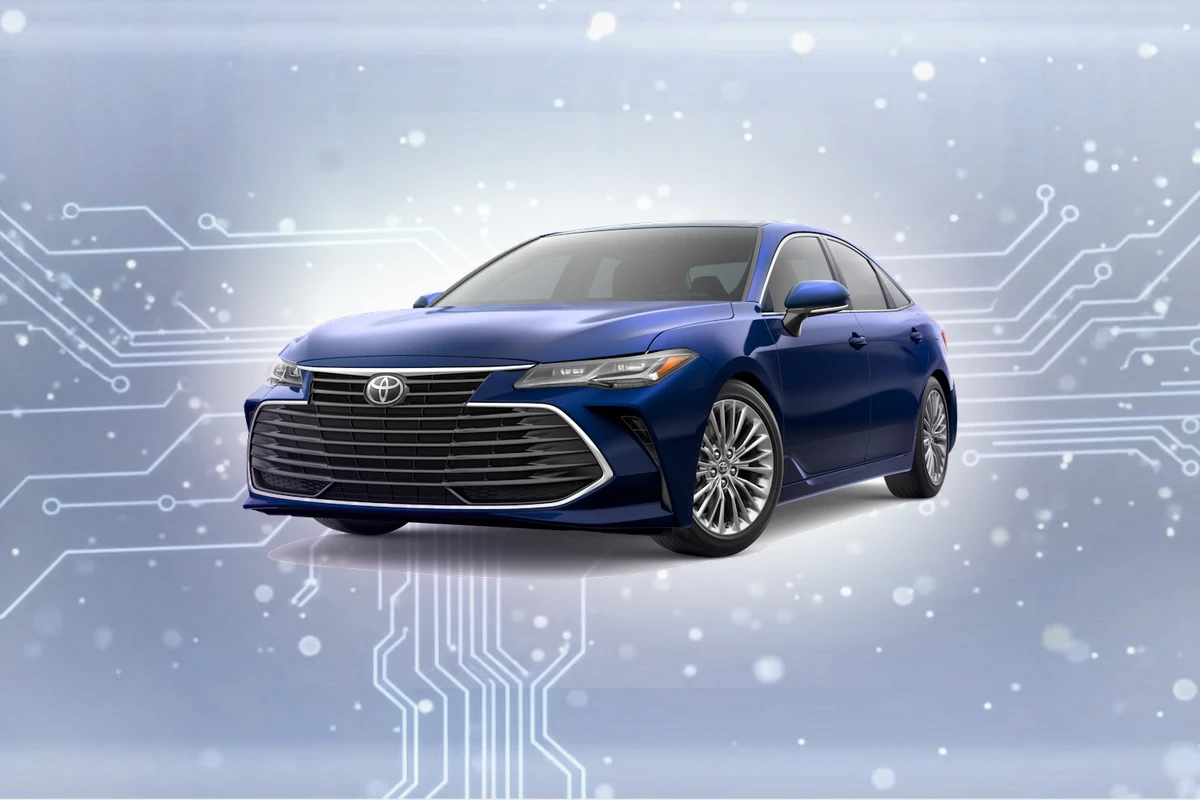
Compatible navigation SD cards for Toyota Avalon (2015-2022)
Top Pick
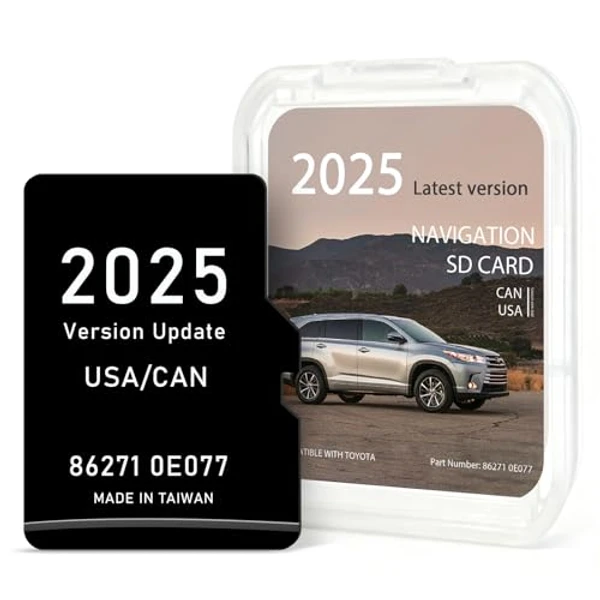
Navtimi 2025 Toyota Navigation SD Card
Covers 10 Toyota models. Plug and play. 2025 maps included. Toyota Avalon owners get 2025 maps covering USA, Canada, Mexico.
Toyota Avalon Navigation SD Card Requirements
-
Compatible Years: 2015-2022
-
Part Number: Common part number: 86271-0E077 for Entune Premium systems.
-
Trim Compatibility: Factory navigation-equipped models only. Verify your Avalon has the physical SD card slot before purchasing. Not compatible with non-navigation Entune systems.
Navigation SD Cards for Toyota Avalon
This website contains affiliate links. We may earn a small commission when you purchase through our links at no extra cost to you.
| SD Card | Map Year | Coverage | Pros | Price |
|---|---|---|---|---|
Navtimi 2025 Toyota Navigation SD Card
|
2025 | USA, Canada, Mexico |
|
$$ Check Price |
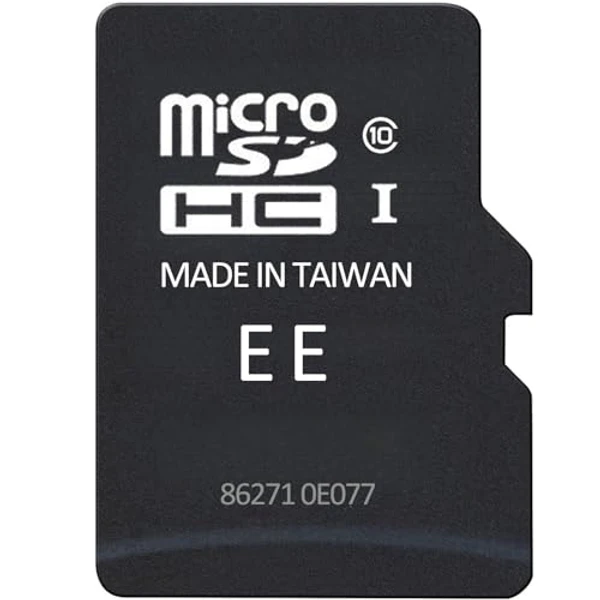
2025 Toyota Navigation SD Card (Part 86271-0E077)
|
2025 | USA, Canada, Mexico |
|
$
Check Price
Alt Listing |
Installation Guide for Your Toyota Avalon
1. Turn off engine. 2. Locate SD slot below the 7-inch or 9-inch Entune display on the dashboard. 3. Gently press to eject the old card. 4. Insert the new card firmly with contacts facing down until it clicks. 5. Start engine and allow the system to fully initialize the new map data (approx. 2 minutes).
Important: Toyota Avalon Compatibility
Factory navigation-equipped models only. Verify your Avalon has the physical SD card slot before purchasing. Not compatible with non-navigation Entune systems.
Toyota Avalon Features
Common Issues
- Avalon owners sometimes purchase cards without confirming their vehicle has factory navigation
- Confusing the built-in system with smartphone projection features like Apple CarPlay/Android Auto on newer models
- Ensuring the engine is completely off during card swap to prevent system errors
Toyota Avalon Trim Compatibility
Compatible Trims
- XLE Premium
- Touring
- Limited
- TRD (if equipped with Premium Audio)
Not Compatible
- XLE (base audio system)