
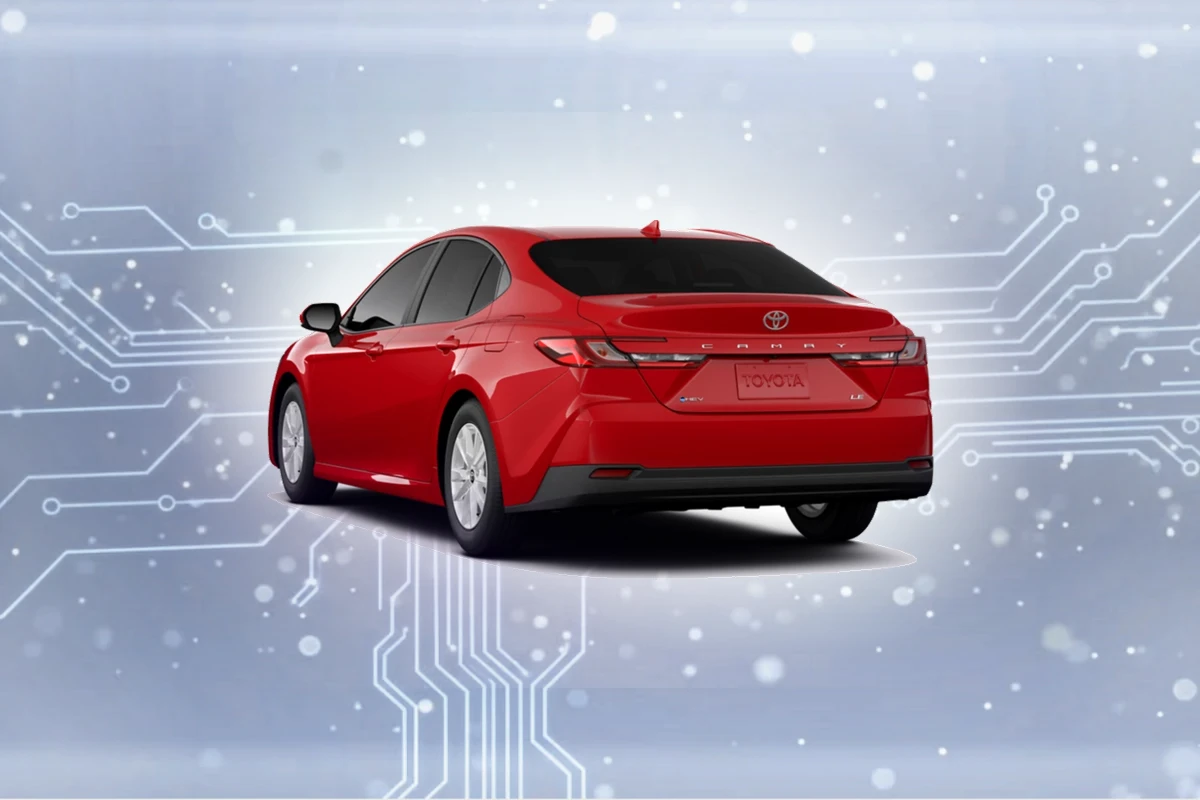
Compatible navigation SD cards for Toyota Camry (2018-2022)
Top Pick
Navtimi 2025 Toyota Navigation SD Card
Covers 10 Toyota models. Plug and play. 2025 maps included. Toyota Camry owners get 2025 maps covering USA, Canada, Mexico.
Toyota Camry Navigation SD Card Requirements
-
Compatible Years: 2018-2022
-
Part Number: Common part number: 86271-0E077 for Entune 3.0 systems.
-
Trim Compatibility: Only compatible with Camry SE, XLE, and XSE trims with Entune 3.0 Premium Audio. Base L and LE trims typically lack factory navigation hardware.
Navigation SD Cards for Toyota Camry
This website contains affiliate links. We may earn a small commission when you purchase through our links at no extra cost to you.
| SD Card | Map Year | Coverage | Pros | Price |
|---|---|---|---|---|
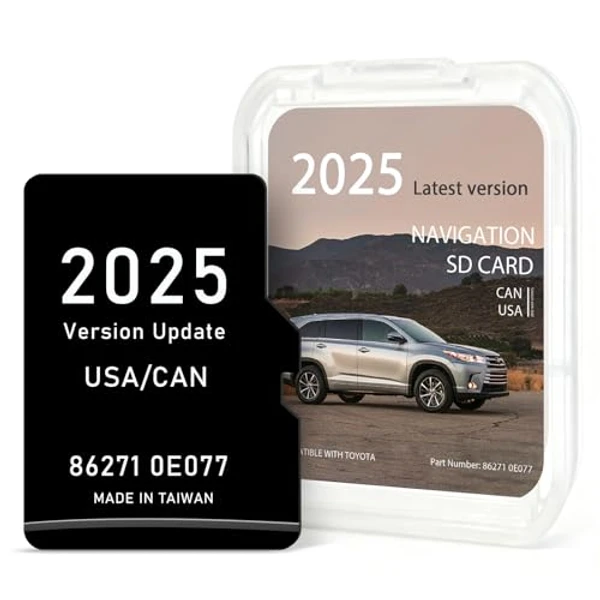
Navtimi 2025 Toyota Navigation SD Card
|
2025 | USA, Canada, Mexico |
|
$$ Check Price |
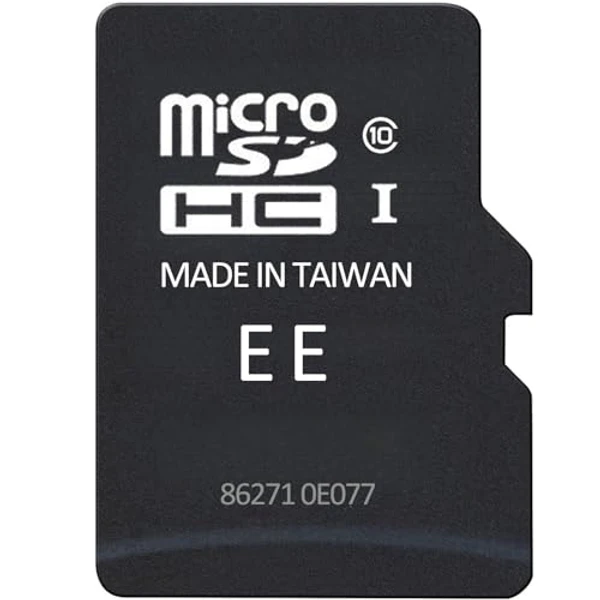
2025 Toyota Navigation SD Card (Part 86271-0E077)
|
2025 | USA, Canada, Mexico |
|
$
Check Price
Alt Listing |
Installation Guide for Your Toyota Camry
1. Turn off engine completely. 2. Locate SD card slot in center console storage compartment or behind a small panel below the 8-inch display. 3. Remove existing card by pressing gently. 4. Insert new card with Toyota logo facing up. 5. Start engine and wait for Entune 3.0 system to recognize new maps (2-3 minutes).
Important: Toyota Camry Compatibility
Only compatible with Camry SE, XLE, and XSE trims with Entune 3.0 Premium Audio. Base L and LE trims typically lack factory navigation hardware.
Toyota Camry Features
Common Issues
- Many Camry buyers think smartphone integration (Apple CarPlay/Android Auto) is the same as built-in navigation
- Hybrid models may show 'initializing' longer due to sophisticated system power management
- Early 2018 models sometimes require an Entune system software update prior to installing a new map card
Toyota Camry Trim Compatibility
Compatible Trims
- SE
- XLE
- XSE
- TRD (if equipped with Premium Audio)
Not Compatible
- L
- LE (base audio system)